The safest way to back up Stardew Valley saves is to close the game, copy the complete farm folder, keep the untouched copy somewhere separate and test the copy before replacing the live save.
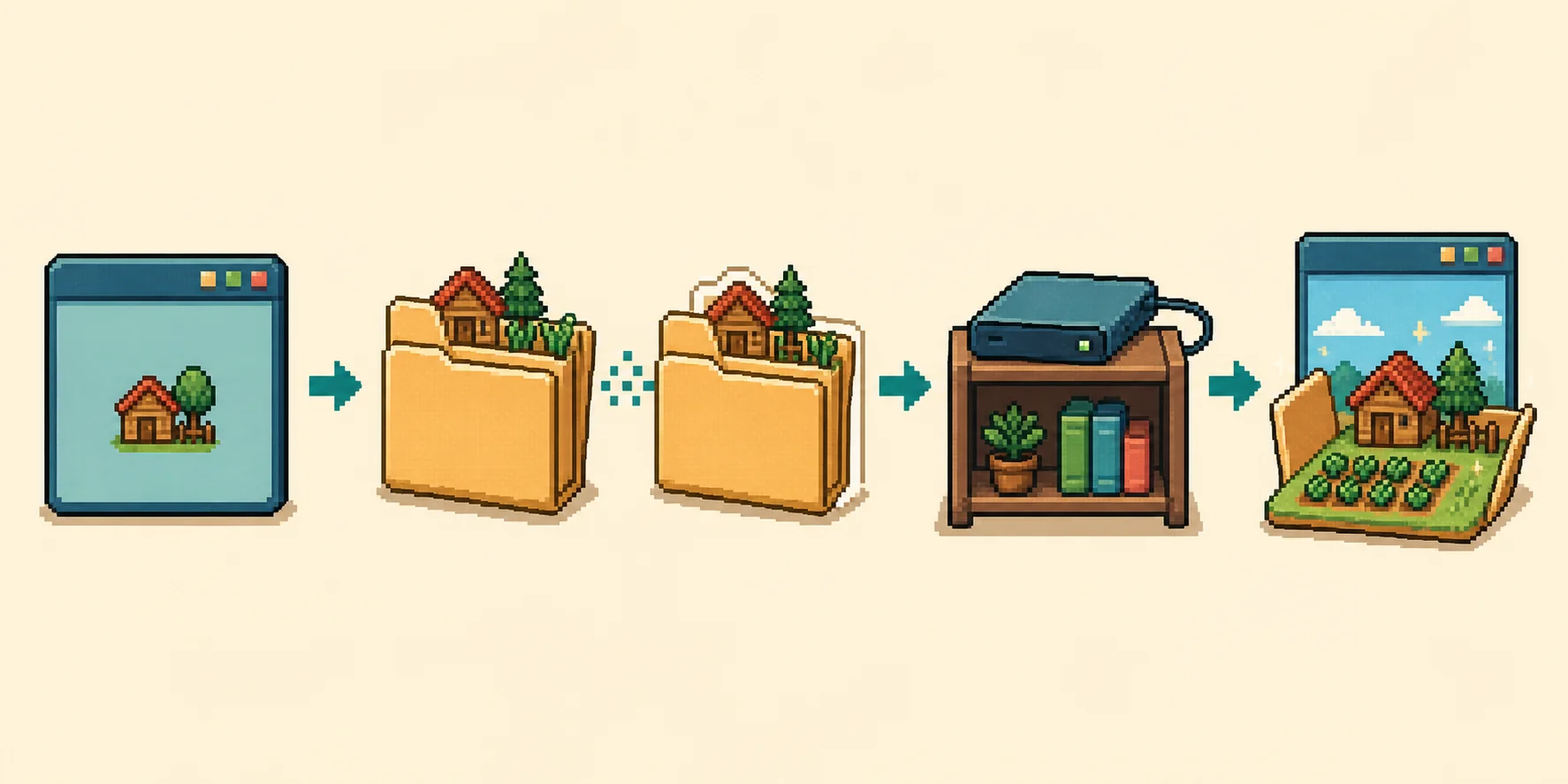
Original editorial illustration for this guide; not an official Stardew Valley screenshot.
THE SAFE ORDER
Back up a Stardew Valley save in five controlled steps
1
Close the game
Wait until Stardew Valley has stopped writing to the farm.
2
Find the farm folder
Open the platform save location and identify the folder for the right farm.
3
Copy the whole folder
Keep the main save file and SaveGameInfo together.
4
Store it separately
Use a dated folder outside the live Saves directory.
5
Test the copy
Load a test copy before trusting it as your recovery path.
A backup is useful only when it is complete, identifiable and still readable. Do not overwrite the original while you are making the first copy.
WHAT TO COPY
Copy the complete Stardew Valley farm folder
A normal farm folder contains the main save file, usually named like the folder, and a smaller SaveGameInfo companion file. Copy the complete folder so the files remain together. The main file may have no extension; do not add .xml or rename it just to make it easier to recognize.
Create a name that tells you what the copy is, such as MyFarm-original-2026-08-22. Keep the untouched folder outside the active Saves directory or on a separate drive. A browser download, a cloud placeholder or a copy that contains only SaveGameInfo is not a reliable replacement for the complete farm folder.
PLATFORM PATHS
Where to find the save before making a backup
Platform
Common location
Backup note
Windows
%appdata%\StardewValley\Saves
Paste the path into File Explorer or the Run dialog, then copy the farm folder.
macOS
~/Library/Application Support/StardewValley/Saves
Use Finder's Go to Folder command when Library is hidden.
Linux
~/.config/StardewValley/Saves
Show hidden folders if your file manager hides .config.
Android / iOS
Device-specific export
Export a readable farm file first; protected app storage and cloud access vary.
A simple visual sequence: stop the game, copy the complete folder, store it separately and test the result.MAKE IT RECOVERABLE
How to keep more than one useful backup
For a valuable farm, keep the original folder and at least one dated copy in different locations. A second copy protects you from copying a damaged file over a good one. If cloud synchronization is involved, let it finish first, then make a manual copy instead of assuming the cloud version is the newest or safest one.
Before an edit, write down the farm name, the date and the change you plan to test. After copying, compare the folder contents and modification time. The goal is not to create a complicated archive; it is to know exactly which untouched folder you can restore when a test goes wrong.
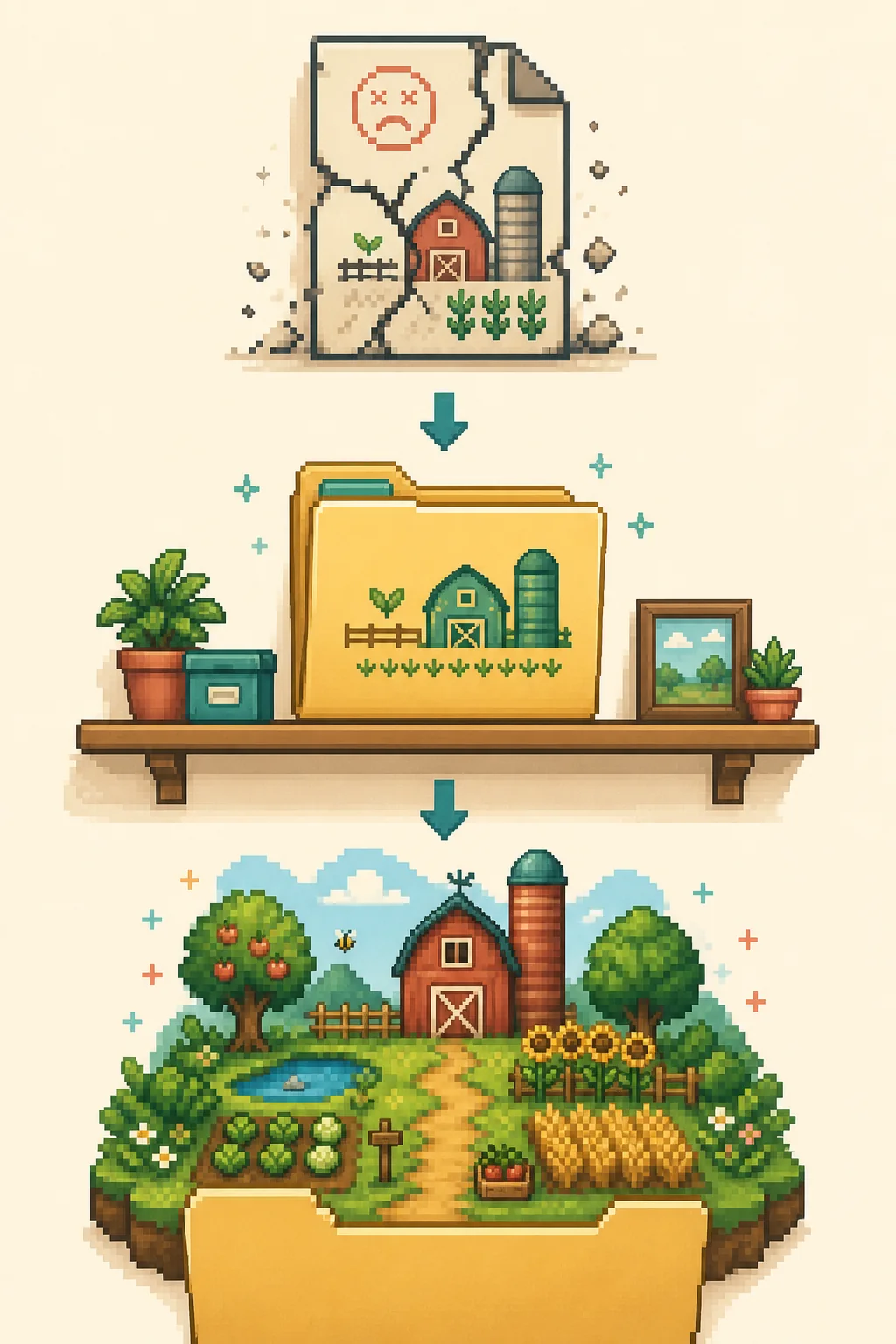
Illustrative recovery flow; it does not represent a real game or file manager screen.RESTORE AND TEST
How to restore a Stardew Valley save backup safely
Close Stardew Valley before restoring anything. Move the edited or failing farm folder out of the active Saves location so it is not confused with the recovery copy. Put the untouched backup folder into the matching save location and preserve the original folder and file names.
Load the restored farm and confirm that it opens and can save normally. Do not keep editing the same failed copy while troubleshooting. If the restored folder works, make a fresh working copy before trying a smaller, single-field change in the browser editor. This keeps file access problems separate from unsupported values or mod-specific data.
COMMON MISTAKES
What not to rely on as your only backup
Only SaveGameInfoIt is a companion file, not the complete farm data used by the normal editor workflow.
A live folder copyCopying while the game is open can catch a file while it is being written.
One cloud copySync can replace or delay a version, so keep a separate manual copy.
Renamed filesAdding an extension or changing names can stop the game recognizing the farm.
When the file format or platform export is uncertain, stop and verify the copy before opening it in the editor. The existing save-file location guide explains the common desktop paths, and the editing guide covers the import, edit, download and test order.
Make a manual copy before a major game update, a mod change, a device move or the first edit to a valuable farm. A copy made after the problem appears cannot recover the earlier state. If you play across computers, wait for the game and cloud service to finish syncing, then record which device created the copy.
Do not treat an old archive as automatically useful. Check the folder name, compare its modified date with your notes and keep at least one copy that predates the change you plan to test. Rotating dated copies is easier to understand than overwriting one file again and again.
VERIFY BEFORE REPLACING
Check a backup without putting the live farm at risk
Verification does not require editing the backup. First confirm that the folder contains the main save and SaveGameInfo, then copy it to a temporary test location. Use the copied folder to confirm that the game can load and save; keep the untouched source closed and unchanged.
If the copy will not load, stop using it and return to another dated version. A failed test can point to an incomplete copy, a cloud conflict, a version mismatch or a mod-dependent farm. Keep notes about which copy was tested so you do not accidentally promote a failing file to your only recovery option.
Close the game, open %appdata%\StardewValley\Saves, copy the complete farm folder and store the copy outside the active Saves folder. Keep the main file and SaveGameInfo together.
Should I copy the whole Stardew Valley save folder?
Yes. Copy the complete farm folder rather than only the main file or SaveGameInfo. The folder name and companion files help keep the recovery copy identifiable.
How do I back up a Stardew Valley save on Mac or Linux?
On macOS use ~/Library/Application Support/StardewValley/Saves; on Linux use ~/.config/StardewValley/Saves. Close the game, copy the complete farm folder and keep the copy in a separate location.
How do I restore a Stardew Valley save backup?
Close Stardew Valley, move the failing edited folder away from the active Saves path, put the untouched backup back with its original name and load the restored farm before making another edit.
Is cloud sync enough to back up a Stardew Valley save?
Cloud sync can help, but it should not be your only recovery copy. Make a manual, dated copy outside the live folder so you can choose a known-good version.
Can I use a mobile Stardew Valley save backup with this editor?
Only when the device can export a readable, compatible save file. Mobile app storage and cloud access vary, so do not rename a protected archive and assume it is ready for the browser editor.
This is an independent community project. It is not affiliated with ConcernedApe or Stardew Valley. Always keep a manual backup of your save.