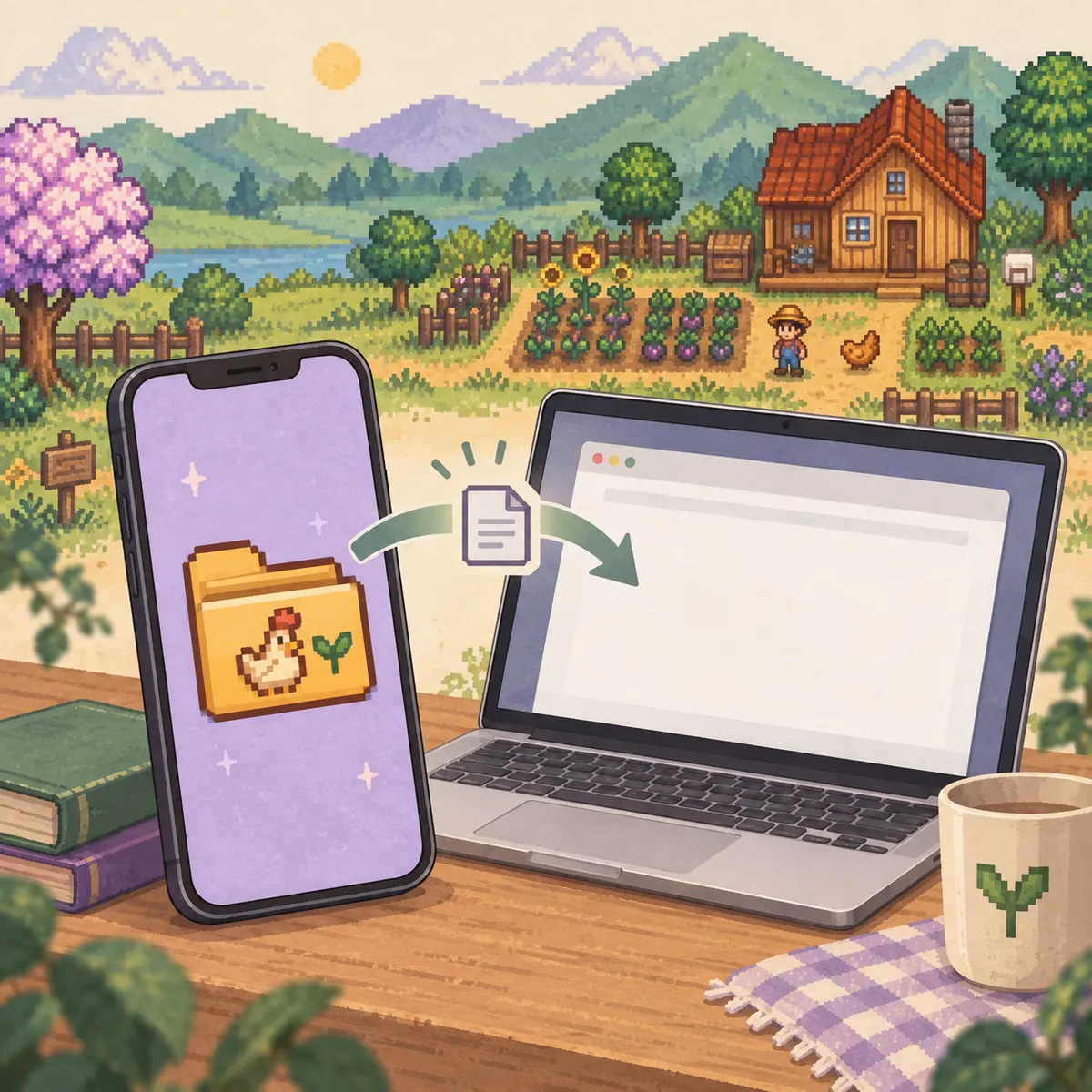
The safest way to transfer Stardew Valley saves is to close the game, copy the complete farm folder, move a working copy to the new device, and test it before replacing anything. This guide covers PC, Android, version checks, extensions, and recovery when the farm will not load.
Illustrative transfer workflow; this is not a real device screenshot or official app interface.
SHORT ANSWER
How to transfer Stardew Valley saves in one safe sequence
Finish the in-game day and close Stardew Valley on the source device. Find the farm folder, copy the whole folder to a dated location outside the active Saves directory, and use that copy for the move. Keeping the original folder untouched gives you a known recovery point if the transfer is incomplete or the receiving game rewrites the file.
On the destination device, create or locate the normal saves folder, then copy the farm folder into it without changing the name. Launch the game only after the copy finishes. Load the farm, confirm recent progress, save once, and create a new backup before deleting the source copy.
TRANSFER CHECKLIST
Five checks before you move a Stardew Valley save
1
End the day
Let the game finish saving, then close it on every device involved in the transfer.
2
Copy the full farm folder
Keep the main save and SaveGameInfo together; do not treat the companion file as the farm by itself.
3
Label the source copy
Use a date and farm name, and store the copy outside the live Saves folder or cloud-sync directory.
4
Check the version
The destination game should not be older than the version tag recorded by the save.
5
Test before replacing
Load the transferred copy, confirm the farm, and keep the original until the new copy saves successfully.
These checks are deliberately simple. A transfer is a file move, not a repair step. If the source was already broken, the destination usually receives the same problem. Confirm that the farm loads and saves before opening an editor or changing values.
CHOOSE THE PATH
Common Stardew Valley save transfer paths
Move
Source copy
Destination check
Main caution
Windows to Windows
%appdata%\StardewValley\Saves
Paste the complete farm folder into the destination Saves folder
Do not paste an older copy over a newer one without checking the date.
macOS or Linux to PC
Copy the farm folder from the platform's Saves directory
Confirm the farm name and recent day after the first launch
Keep hidden folders and the original filename intact.
Android to PC
Export the readable folder from Android shared storage
Place the folder in the computer Saves directory and check extensions
Android exports can add .bin to files that PC expects without it.
PC to Android
Copy the entire farm folder from the PC
Create a save on Android first, then copy into its Saves folder
Remove unsupported mods and follow the mobile folder rules before testing.
PC TO PC
Transfer a Stardew Valley save between two computers
On the old computer, open the common Windows, macOS or Linux save location and identify the farm folder by its name and recent modification time. Close the game before copying. Use a USB drive, a private cloud folder or another trusted file-transfer method to move the copied folder; the transport method matters less than preserving the folder structure and keeping an offline or separately dated backup.
On the new computer, start the game once if the destination folder does not exist, then close it. Copy the farm folder into the destination Saves folder without changing names. Open the game and check the season, day, player name and a recent item. If those details are correct, save once and make a second backup from the new device.
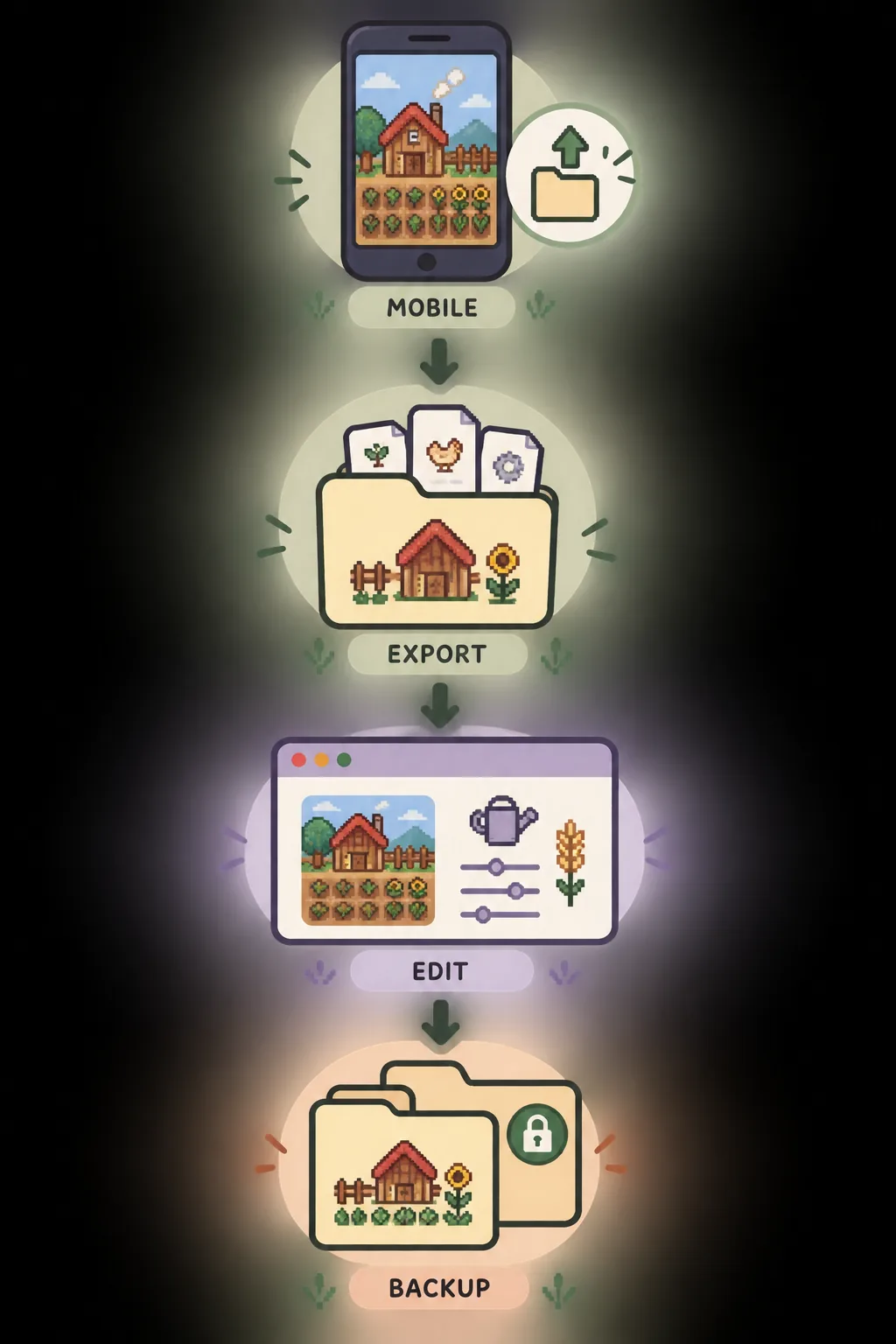
Export, verify, test and preserve the original. This diagram is explanatory and not a real app screen.ANDROID AND MOBILE
Transfer a Stardew Valley save between PC and Android
Android transfers need an extra file-access step. Connect the device to the computer, browse to the shared-storage Stardew Valley save folder, and copy the complete farm folder whose name identifies the save. If the folder is not visible, create and save a small test farm on the Android device first. Do not assume that a cloud placeholder, a shortcut or a partial export is a usable save file.
When moving a PC save to Android, keep the working copy separate and remove custom content that mobile cannot load. Android may require a different extension convention, so follow the platform instructions and inspect the folder after copying. The official reference says the receiving game must not be older than the save's version tag; a newer game can usually open an older save, but the reverse is not safe to assume.
VERIFY THE RESULT
Four signs that the transferred copy is ready to use
The farm is the right oneThe name, player and recent day match the source copy you intended to move.
The game reaches the farmThe save appears in the load screen and opens without an error or an empty new farm.
A normal save completesEnd one short test day and confirm that the destination can write the save again.
A second copy existsKeep the source backup and the first successful destination backup in separate locations.
A file appearing in the load menu is only the first check. Confirm the expected progress and that the destination can save. If any check fails, stop and restore the source copy instead of editing the failing file.
VERSION AND MODS
Check versions, mods and file extensions before launch
Stardew Valley save files carry version information. The official reference explains that an older game cannot load a newer save, while a newer game can load an older save and tag it with the newer version after saving. Check both devices before a transfer, especially after a major update.
Modded farms add another boundary. A farm that depends on custom content may not load in a vanilla installation, and mobile may not support the same mod setup as PC. Treat a modded-to-vanilla move as a compatibility test. Also check extensions: Android exports may use `.bin`, while PC files may need the extension removed. Never rename files randomly to make a missing farm appear.
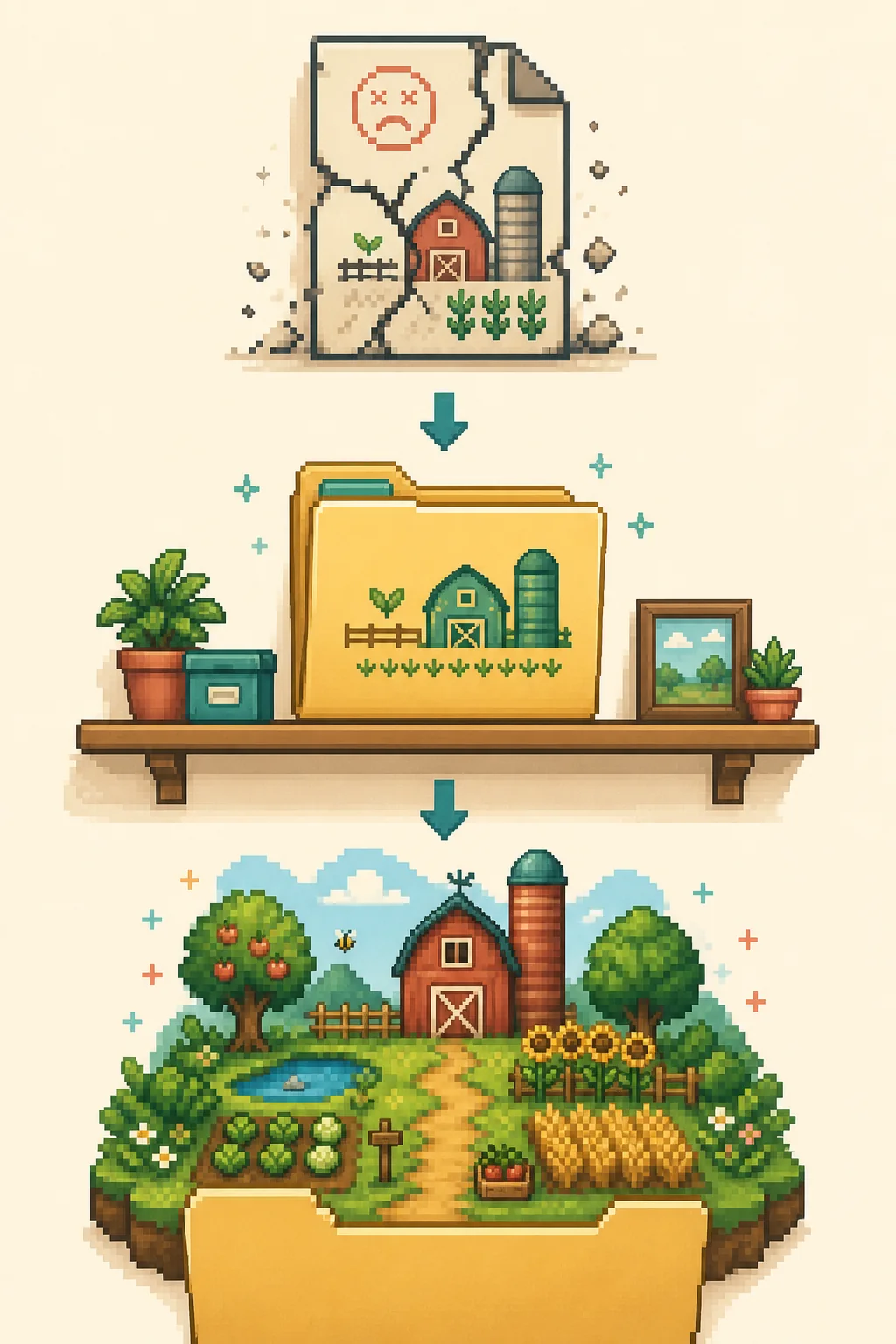
Illustrative recovery flow: move the failing copy aside, restore the untouched folder and test again.WHEN THE NEW DEVICE CANNOT LOAD
What to do when a transferred save is missing or broken
Close the game and move the transferred folder out of the active Saves directory. Compare the folder with the source backup: check the farm name, file count, file size and extension. If the copy is incomplete, repeat the transfer from the untouched source. If the source itself will not load, do not overwrite it with a second failed export; choose an older dated backup and test that one instead.
Cloud synchronization can rename or replace files while you test. Pause sync for the affected game when the platform provides that control, then use one clearly labeled local copy. Once the destination saves normally, create a new backup before turning synchronization back on.
AFTER THE MOVE
Edit the transferred copy without risking the source
After the destination has loaded and saved normally, use the browser editor with a working copy. Keep the source and destination backups separate, make one focused supported change, download a new file and test it before replacing the working farm. A successful download only proves that an output file was created; transfer first, verify second, edit third, and back up again.
Can I transfer a Stardew Valley save from one PC to another?
Yes. Close the game, copy the complete farm folder from the source Saves directory, place it in the destination Saves directory without renaming it, and test the farm before deleting the source copy.
Can I transfer a Stardew Valley save from PC to Android?
A PC save can be moved to Android when the mobile version can access the folder and the save does not depend on unsupported mods. Create a test save first, copy the full farm folder, follow the extension rules and test it.
Why is my transferred Stardew Valley save not showing up?
The folder may be in the wrong path, incomplete, still synchronizing, renamed incorrectly or using an unexpected extension. Close the game, compare it with the source backup and retry from a clean copy.
Can an older Stardew Valley version open a newer save?
Do not assume it can. The official save reference says a game cannot load a newer save file, while a newer game can load an older save. Check the version tag before moving the farm.
Should I transfer SaveGameInfo by itself?
No. Transfer the complete farm folder so the main save and companion data stay together. SaveGameInfo alone is not a replacement for the farm's main save data.
Can I use the save editor after transferring a farm?
Yes, use a copy after the destination first loads and saves normally. Keep the source and destination backups separate, change one supported field, download a new file and test it before replacing the working farm.
This is an independent community project. It is not affiliated with ConcernedApe or Stardew Valley. Always keep a manual backup of your save.