Stardew Valley Save Editor Mobile: Export and Edit a Save
A Stardew Valley save editor mobile workflow is possible when your phone or tablet can export a readable farm file. Keep the original safe, move a copy out of protected app storage, edit it in the browser and test the result before replacing anything.
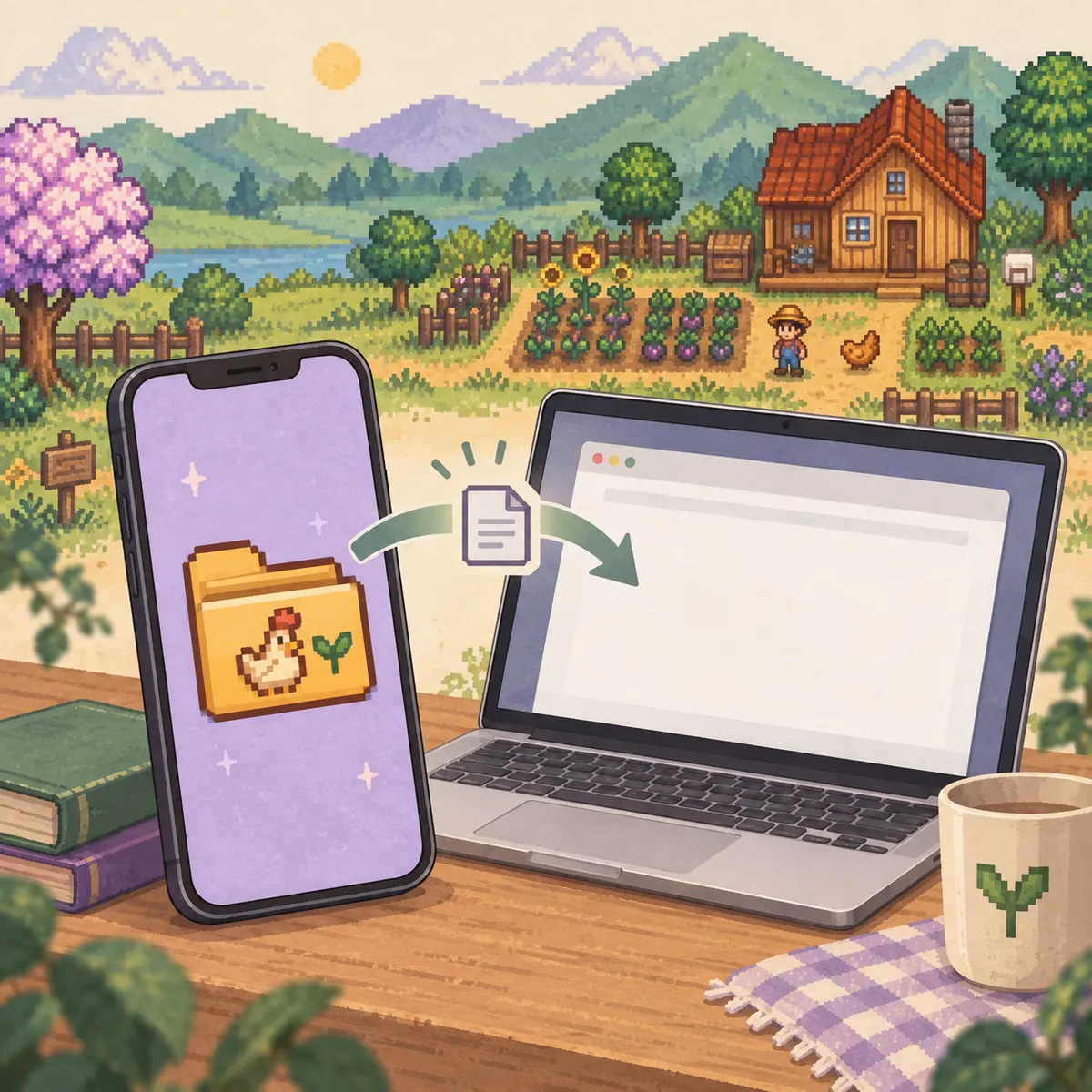
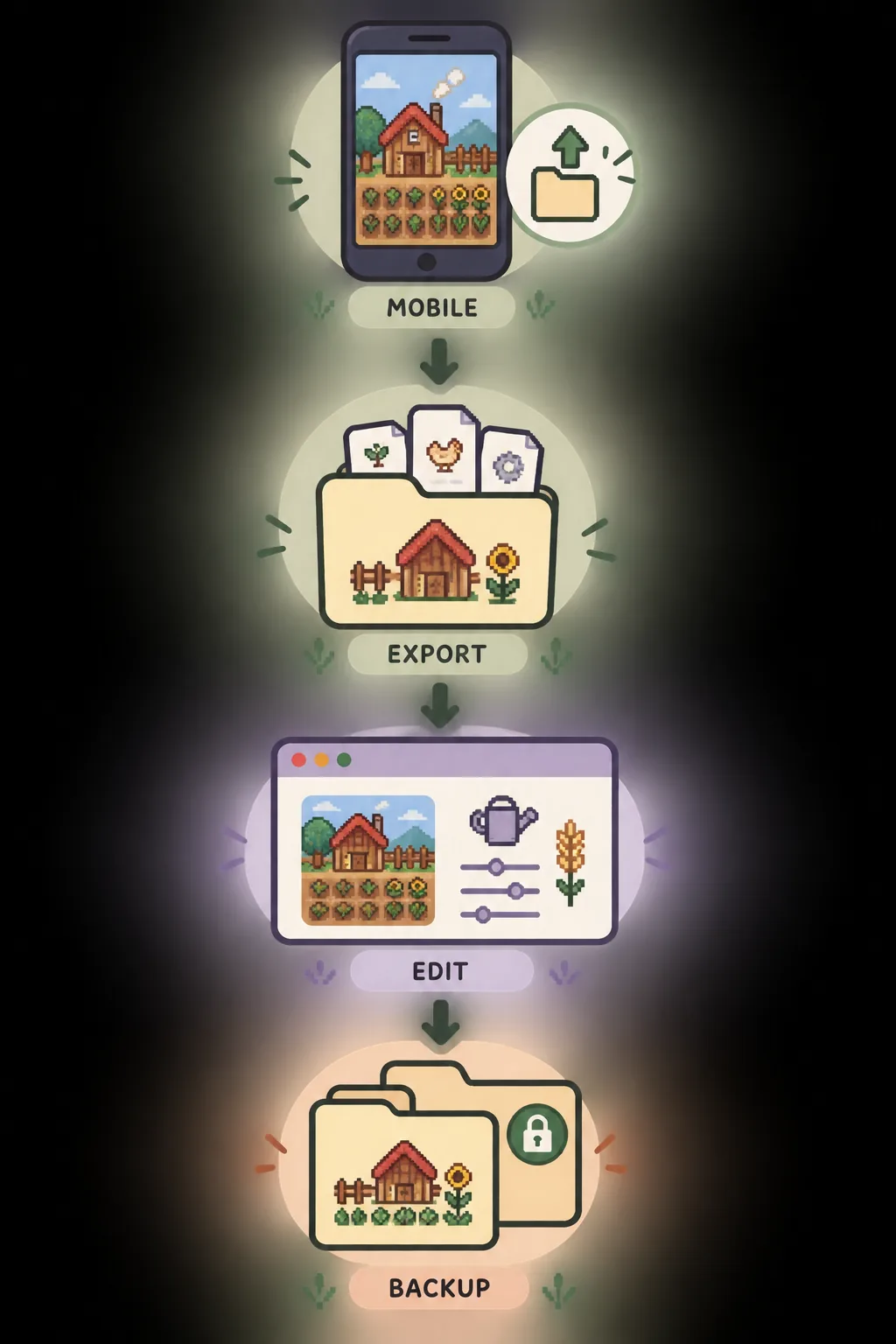
Illustrative mobile-to-browser workflow; this is not a real device screenshot or official app interface.
THE SAFE ORDER
Use a Stardew Valley save editor on mobile in five steps
1
Export a copy
Use the device's file tools or game-supported export path to create a readable farm file.
2
Keep the original
Store the untouched mobile save separately before you rename, move or edit anything.
3
Check the format
Confirm that the export is a save file or complete farm folder, not a cloud placeholder or protected archive.
4
Edit in the browser
Choose the copied file in the browser editor and change only supported fields.
5
Test and restore
Load the edited copy on the intended device and restore the original if the farm fails.
The important distinction is that mobile editing is a file-transfer workflow, not a promise that a browser can open private app storage directly. The editor can work with a compatible file that you can export, but it cannot grant access to a folder that the operating system keeps inside the app sandbox.
If any step is unclear, stop with the original untouched. A copy is safer than moving the working farm into a new folder and hoping the game will recognize it.
QUICK ANSWER
Can you use a Stardew Valley save editor mobile workflow?
Yes, but only when the mobile version gives you a readable save export that the browser can parse. You normally need to close the game or finish its save operation, export or copy the farm data, keep an untouched backup, and choose the copied file in the Stardew Valley save editor. The browser then creates an edited download; it does not silently replace the farm on your phone.
Mobile storage is the variable part. Android and iPhone/iPad versions can expose different file tools, folder names and sharing options, and cloud synchronization may present a copy that is not the same as the file you just played. Treat every export as unverified until you can identify the farm, preserve the original and test the result.
The practical sequence is export, verify, edit a copy and keep a separate backup. The diagram is illustrative, not a real app screen.WHAT TO EXPECT
Mobile save editing requirements by device type
Device path
What you need
What can block the workflow
Android
A file manager, share/export action or other supported way to copy the farm file outside the app
Private app storage, an incomplete archive, a cloud-only placeholder or a file that cannot be selected by the browser
iPhone / iPad
A Files-compatible export or share flow that produces a readable copy
Sandbox restrictions, an app-managed backup, a renamed archive or a copy that is not the active farm
Desktop handoff
A copied farm file or folder transferred to a computer for editing and testing
Mixing two farms with similar names, overwriting the live save or forgetting the companion file
Any platform
An untouched backup, a supported save structure and a way to restore the original
Older versions, malformed XML, console exports and heavily modded data may not parse or load
ANDROID
How to prepare an Android Stardew Valley save for editing
Start by identifying the farm you actually want to edit. If the device offers more than one save, use the farm name and the newest known in-game progress rather than guessing from a generic download name. Close Stardew Valley or wait for its save operation to finish, then make a copy through the device file manager, a supported share action or the platform's own export workflow.
Keep the first export unchanged. Create a second working copy with a clear name such as MobileFarm-before-editor, and keep it outside the folder that the game or cloud service treats as live. If the device gives you a ZIP or another container, do not rename it to look like a save file; inspect the contents and confirm that the editor can read the actual farm data.
IPHONE AND IPAD
How to prepare an iPhone or iPad Stardew Valley save
On iPhone or iPad, the practical goal is to create a readable copy in a location the Files app, a computer or the browser can access. The exact taps depend on the game build, device settings and available share options, so use the platform's visible export or file-sharing path instead of assuming that the app's private directory can be browsed directly.
After exporting, verify the file name and farm identity before editing. Keep an untouched copy in a separate folder, then make a working copy for the browser. Avoid changing extensions, unzipping and rezipping without a reason, or moving files while cloud synchronization is still in progress; each action can make it harder to tell which copy is current.
CHECK BEFORE EDITING
Four checks that prevent most mobile save mistakes
Complete copyKeep the main farm data and any companion file together when the export provides a folder.
Correct farmCompare the farm name, modification time and recent progress so two saves are not confused.
Original protectedDo not make the browser download your only copy. Store the first export somewhere separate.
Supported formatStop when the file is malformed, console-only, mod-dependent or unreadable instead of forcing it.
These checks separate file access from editor behavior. If the browser cannot read the copy, the problem is usually the export, container, file selection or compatibility boundary. If the copy imports but the game rejects the edited result, use the restore path and test one smaller supported change.
BROWSER EDITOR
Edit a mobile save without overwriting the original
Open the browser editor with the working copy, not the untouched export. Choose the main farm save when a folder contains more than one file, then wait for the import to finish. The page exposes supported editor areas such as inventory, character values, relationships, recipes, buildings and other fields available in the imported structure; an absent control is a signal not to guess at raw XML.
Before changing anything, write down the current value and the reason for the change. Make one focused edit, download the result under a new temporary name and keep it outside the live mobile folder. The output proves that the browser created a file, but it does not prove that every edited value is valid for every game state or mod combination.
WHEN IT FAILS
What to do when a mobile save will not import or load
An import error usually means the selected file is empty, incomplete, protected, malformed or outside the editor's supported structure. Go back to the device export and check the file size, name, farm identity and whether the browser received the actual save instead of a preview, shortcut or cloud placeholder.
If the browser creates a download but the game will not load it, stop editing that copy. Close the game, move the failing file away from the active location and restore the untouched backup with its original name. Do not overwrite the only working copy while troubleshooting, and do not keep making random changes to a file that already fails.
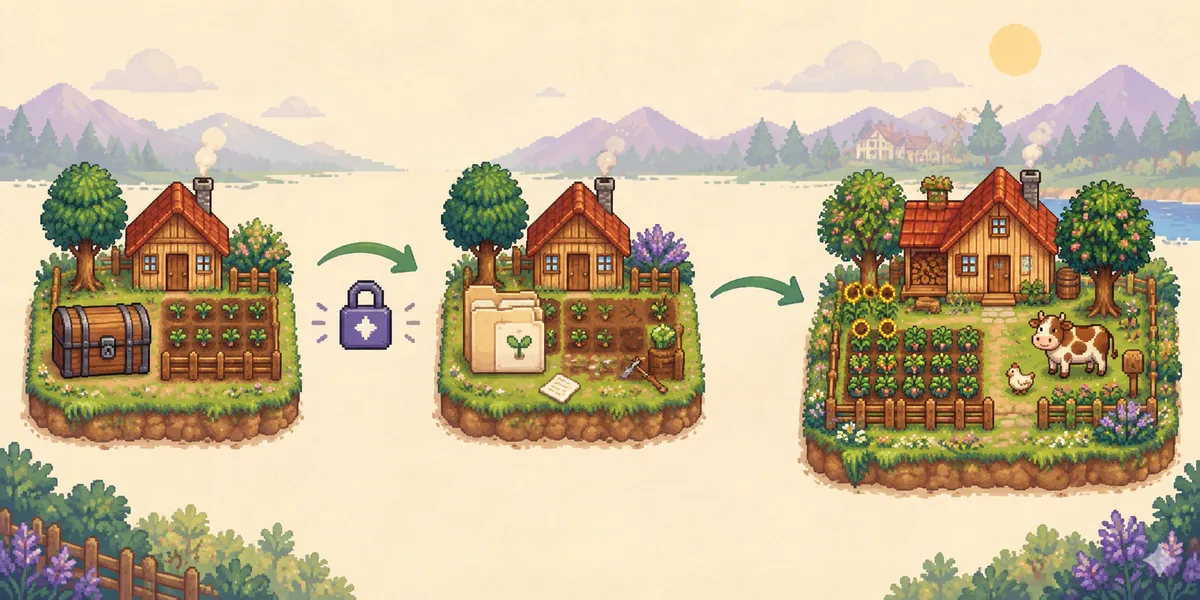
Keep the untouched backup separate so a failed test can be reversed. This is an explanatory illustration, not a real game screenshot.BOUNDARIES
What this mobile save editor guide does not promise
This page does not promise a universal Android or iOS folder path, direct access to protected app storage, automatic cloud-save conversion or support for every mobile, console, older or modded file. The device must first expose a readable copy, and the copy still has to match the editor's supported save structure.
Can I use the Stardew Valley save editor on Android?
Only when Android can export or copy a readable farm save that the browser can access. Keep the original untouched, work from a separate copy and test the downloaded result before replacing the mobile save.
Can I edit a Stardew Valley save on iPhone or iPad?
A browser workflow may work when the device provides a readable export through Files, sharing or another supported file path. Private app storage and cloud placeholders are not automatically available to the browser.
Where is the Stardew Valley mobile save file?
There is no single universal visible path for every mobile build and device. Use the platform's supported export or file-sharing workflow, then verify that the result is the actual farm file rather than a protected archive or cloud shortcut.
Do I need to back up a mobile save before editing?
Yes. Keep an untouched export or complete farm folder separate from the working copy. The browser download should never be your only recovery file.
Why does the mobile save editor say my file is invalid?
The selected file may be empty, incomplete, protected, malformed, an unsupported version, a console export or a cloud placeholder. Return to the original export and confirm the file format before trying again.
Will a mobile save edited in the browser always load?
No guarantee is possible for every version, mod or value. Test the edited copy, make a small focused change and restore the untouched backup immediately if the game will not load or save normally.
This is an independent community project. It is not affiliated with ConcernedApe or Stardew Valley. Always keep a manual backup of your save.