Stardew Valley Save Files: Names, Folders, and Safe Checks
Stardew Valley save files are XML data stored in a farm folder, not ordinary settings that can be replaced at random. Learn which file is the main save, why SaveGameInfo matters, how the folder name must match, and what to check before opening or editing a copy.
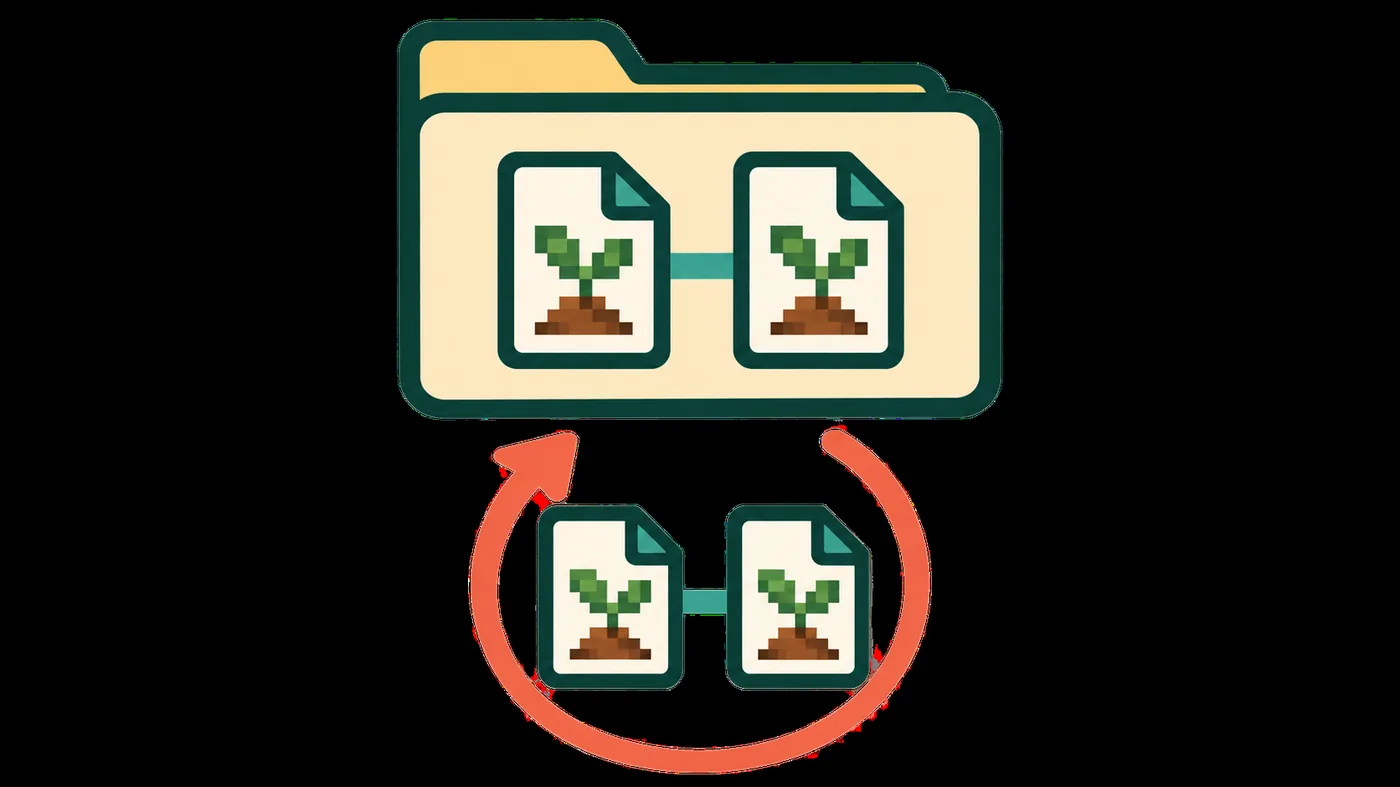
The paired-file concept is shown for explanation; this is not an official file-manager screenshot.
START WITH A COPY
Check Stardew Valley save files in a reversible order
1
Finish and close the day
Let the game complete its normal save, then close Stardew Valley before touching the folder.
2
Copy the whole farm folder
Keep the main file, SaveGameInfo and any matching backup files together outside the active Saves folder.
3
Read before renaming
Confirm the folder name, the main filename and the file endings before making any change.
4
Test a working copy
Open or edit a duplicate first, and keep the untouched folder available if the result fails.
A dated copy separates inspection from repair and preserves an untouched rollback point.
WHAT THE FILE IS
What a Stardew Valley save file contains
A Stardew Valley save file is structured XML that records a farm and the state needed to load it. Saves are stored separately from the game installation, but malformed XML can stop the farm from loading.
The Stardew Valley Wiki describes a save slot as a folder named like `FarmName_123456789`. Inside are two important files: a main file with the same name as the folder and a companion file named `SaveGameInfo`. Both belong to the same save slot. The main file carries the farm data; the companion helps the load menu display the farm. Keep them as a pair when you copy, inspect or restore a save.
FILE NAMES AT A GLANCE
How the common Stardew Valley save files relate
File or folder
Role
Safe interpretation
FarmName_123456789/
The save slot folder
The folder identifies one farm and should stay intact.
FarmName_123456789
The main XML save
This is the file the game needs for the farm data.
SaveGameInfo
Load-menu companion data
Keep it with the matching main file; it is not a complete farm by itself.
FarmName_123456789_old
Older desktop copy when present
Treat it as a separate recovery copy and preserve today's files first.
SaveGameInfo_old
Older companion copy when present
Use it only with the matching older main file from the same folder.
*.bin on some mobile exports
Platform-specific extension
Do not remove or add extensions until the platform instructions require it.
NAME MATCHING
Why the farm folder and main filename must match
The folder and main filename must match, such as `MeadowFarm_246813579/MeadowFarm_246813579`. Preserve the full name, including underscores and numeric suffix; changing only one can make the game ignore the farm.
Do not mix backups; label comparison folders outside the active Saves directory.
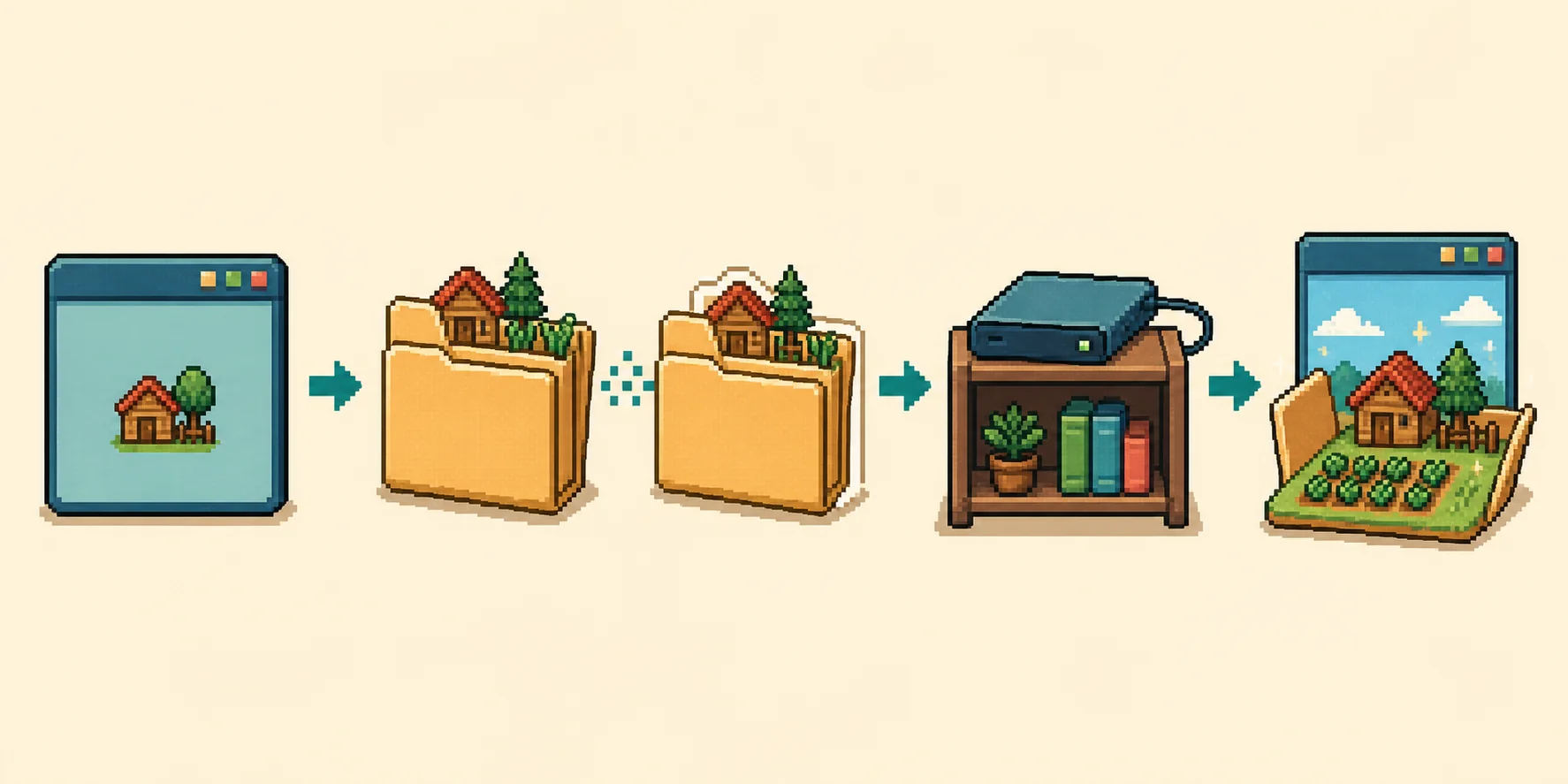
A copy-first routine keeps file inspection and editing reversible; this is an editorial diagram, not an official screenshot.READ WITHOUT CHANGING
How to open a Stardew Valley save file safely
1
Copy outside Saves
Copy the full farm folder to a dated location before opening it.
2
Choose the main file
Use the file whose name matches the farm folder, not SaveGameInfo by itself.
3
Inspect structure only
If you need to read XML, use a text editor that does not silently reformat or save the file.
4
Close without saving
If you are only checking the contents, exit without writing changes and keep the original copy untouched.
For a supported 1.6 file, the browser editor parses a selected copy locally and exposes supported fields. Use it only after identifying the main file and keeping a restorable backup.
XML AND VERSION
Read the version tag before moving or editing a save
Save files carry a game-version tag such as `<gameVersion>1.6.15</gameVersion>`. The official reference says an older game cannot load a newer save; a newer game can load an older one and update its tag after saving. Mods still need separate checks.
Check the receiving game's version before testing a save from another device or launcher.
_OLD FILES
What the _old files mean
Some desktop folders contain a main file ending in `_old` and a matching `SaveGameInfo_old`. The official troubleshooting guide describes these as an earlier pair that can be one in-game day behind. Preserve today's files before testing them.
Test a copy, keep older files paired, and use the recovery guide for a missing or broken farm.
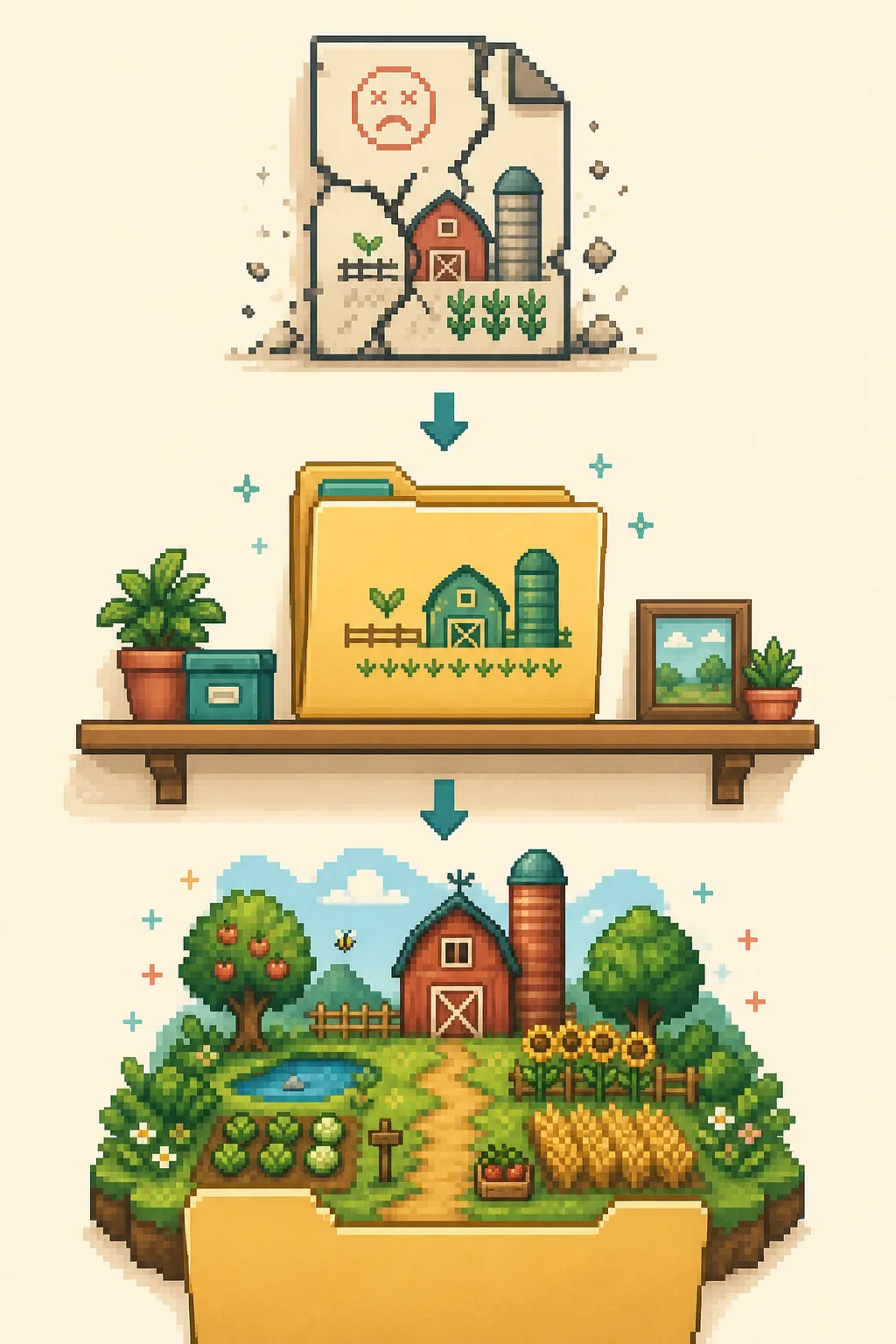
Move a failing test aside and restore the dated original; this is an explanatory flow, not a game screen.BEFORE YOU USE AN EDITOR
Five checks for a Stardew Valley save file copy
Complete folderThe copy contains the farm folder and the expected companion files.
Matching namesThe main file has the same name as the folder, including its suffix.
Known versionThe receiving game is not older than the version saved in the file.
One clear goalYou know which value or structure you need to inspect before opening a tool.
Recovery copyAn untouched dated folder remains outside the active Saves location.
Use the location guide to find the folder; use this page to identify its files and decide whether a copy is ready for editing.
PLATFORM BOUNDARIES
PC, Linux, macOS and mobile files are not identical workflows
The format is XML, but file access differs: mobile exports may add `.bin`, and files still need to match the parser and game version.
Multiplayer saves stay on the host computer; console exports follow separate platform workflows.
CHOOSE THE RIGHT GUIDE
When to use the editor, backup guide, or recovery guide
Use the browser editor for a supported 1.6 main file. Back up first; use recovery for a missing or broken farm and transfer guidance when moving a save.
Pick the guide that matches your task before changing files.
A normal farm folder contains a main file named like the folder and a companion file named SaveGameInfo. Matching _old files may also be present as an earlier desktop copy. Keep the complete folder together.
Can I open a Stardew Valley save file in Notepad?
Inspect a copied XML file, but do not save formatting changes to the active farm. Keep the original untouched and use a supported editor to change values.
What is SaveGameInfo used for?
SaveGameInfo provides load-menu details. Keep it with the matching main file; it cannot replace the farm data.
Why does the save folder have numbers after the farm name?
The folder and main file commonly end with an underscore and numeric identifier, such as FarmName_123456789. Preserve the full name when copying.
Can an older Stardew Valley game open a newer save?
No. An older game cannot load a newer save. A newer game can usually load an older one, but mods and platform limits need separate checks.
Should I edit the XML by hand?
Inspect a copy to understand its structure, but manual edits can break the farm. Use the browser editor for supported fields and keep a dated backup.
This is an independent community project. It is not affiliated with ConcernedApe or Stardew Valley. Always keep a manual backup of your save.